

Smarter Homes Start with Solid Connections: Integrating Home Automation with Reliable Internet and Home Phone
Most smart homes struggle with unreliable internet and spotty Wi-Fi, turning convenience into frustration. Without a solid connection, your home automation won’t perform as promised, leaving devices offline or slow. This guide breaks down how to pair home automation with reliable internet, whole-home Wi-Fi, and a flexible home phone service to keep your smart home running smoothly.
Building a Smart Home Network

Creating a seamless smart home experience starts with a strong network foundation. Here’s how to establish yours.
Selecting Reliable Internet Services
Your smart home deserves a fast and dependable internet connection. To achieve this, consider fiber optic services if available. Fiber internet provides the highest speeds, essential for managing multiple devices. DSL or cable can work too, but ensure they offer at least 100 Mbps for optimal performance. Always check local providers like CloudconneXions.ca for competitive options that don’t bind you with long-term contracts. For more on integrating smart homes with tech, visit Vesternet’s Guide.
Designing Whole-Home Wi-Fi Solutions
A robust Wi-Fi setup is key to avoiding dead zones. Use a mesh Wi-Fi system to cover every corner of your home. This setup uses multiple nodes, ensuring a strong signal everywhere. If you’re tech-savvy, consider Wi-Fi 6 routers for enhanced speed and capacity. Remember, placement matters: put nodes in open spaces away from walls. For custom smart home solutions, Together Design Build offers insights.
Integrating Home Phone VoIP
Adding a home phone VoIP to your setup can boost connectivity. VoIP services offer clear calls over the internet, often with no need for extra lines. CloudconneXions.ca provides VoIP with no contract, adding flexibility to your plan. With features like call forwarding and voicemail, you’ll always stay connected. If you’re curious about VoIP benefits, check out this detailed Reddit discussion.
Ensuring Smart Home Security

Once your network is solid, securing your smart home is crucial. Let’s explore how you can protect your digital doorstep.
Implementing IoT Device Security
Your smart devices need protection from cyber threats. Start by changing default passwords and updating firmware regularly. Use a dedicated IoT security solution to monitor device activities. Such systems can detect unusual behavior and alert you. Consider setting separate networks for IoT devices for added security. For a deeper dive into IoT integration, see Vesternet’s comprehensive guide.
Setting Up WPA3 Guest Networks
Offering guests access to your network can be safe with WPA3 guest networks. This latest security protocol protects data on wireless networks. Set up a guest network so visitors don’t access your primary network. This keeps your devices safe while still being hospitable. Most people assume sharing their main Wi-Fi is secure, but this method proves otherwise.
Using LTE Failover and UPS Backup
Power outages and internet downtimes can disrupt your smart home. Use LTE failover to switch to mobile data seamlessly when your main internet goes down. Pair it with a UPS backup to keep devices running during outages. This combo ensures your smart home stays operational no matter what. The longer you wait to implement these solutions, the higher the risk of losing connectivity.
Professional Setup and Support
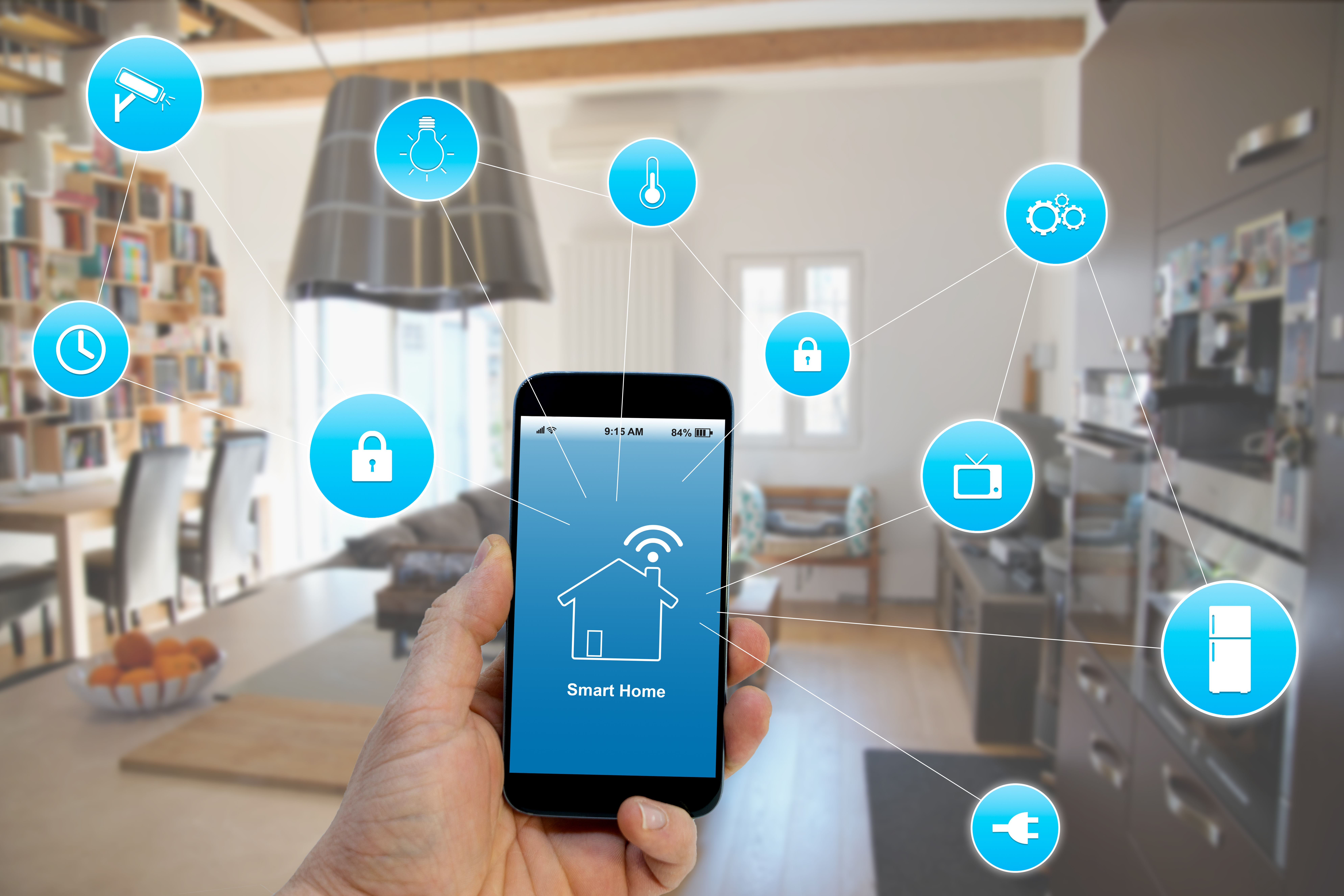
Once you’ve planned your network and security, consider professional setup and support for smooth implementation.
Planning and Equipment Selection
Professional planners can help choose the right equipment for your needs. They’ll assess your home’s layout and recommend devices like routers, smart hubs, and switches. This ensures every corner of your home gets covered. For a glimpse into custom home setups, visit Winton Homes.
Installation and Testing Process
During installation, experts will configure devices for optimal performance. They’ll test each connection to ensure strong and stable links. This proactive approach means fewer headaches for you later. Most people think they can handle setup alone, but expert help can make a big difference.
Ongoing Maintenance and Support
Even the best setups need maintenance. Ongoing support ensures your system stays updated and any issues get resolved quickly. With CloudconneXions.ca, you’re never tied down by long-term contracts, making maintenance stress-free. Reach out for support whenever you need it, knowing expert help is just a call away.