
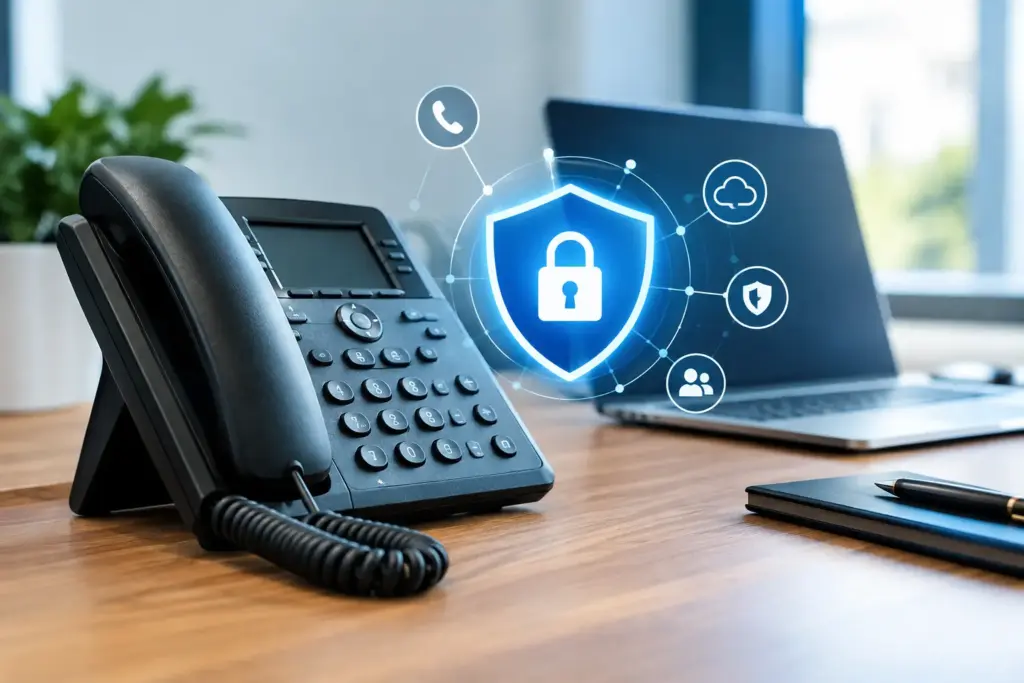
A phone system can sound crystal clear and still be a security problem. If a former employee can log in from home, an attacker can guess a voicemail PIN, or one compromised desk phone can reach the rest of your network, the issue is not call quality. Secure business VoIP means protecting the people, devices, credentials, call traffic, and internet connection that keep your company reachable.
That takes more than checking a box marked “encryption” on a sales proposal. It takes a provider and an internal process that treat voice as business-critical infrastructure, not as a cheap app that someone set up once and forgot.
What Secure Business VoIP Actually Covers
VoIP security is often discussed as though it were one feature. It is not. A properly secured business phone environment has layers, because the risks come from several directions: account takeover, toll fraud, eavesdropping, malicious voicemail access, poorly configured handsets, weak Wi-Fi, internet outages, and human error.
Call encryption matters. Signaling encryption helps protect the information used to establish and manage a call, while media encryption protects the audio itself. Both should be part of the conversation, especially for organizations handling client details, financial information, health-related conversations, or internal business plans.
But encryption does not solve a stolen password. It does not stop an employee from forwarding calls to an unapproved number. It does not prevent fraud if international calling is left wide open on every extension. And it does not keep your phones working when a single internet circuit goes down.
A good secure business VoIP design combines technical controls with sensible operating rules. The right mix depends on your size, how mobile your team is, what information you discuss by phone, and how much downtime would cost.
Start With Identity, Not the Phone
Most avoidable VoIP incidents begin with access. Shared administrator logins, recycled passwords, former staff whose accounts remain active, and voicemail boxes protected by four easy digits are invitations to trouble.
Every administrator should have an individual account. If the platform supports multi-factor authentication, use it for administrative access and any user role with permission to change routing, recordings, call forwarding, or billing settings. One-time codes are mildly inconvenient. Recovering from fraudulent call charges or an altered after-hours call route is much worse.
Offboarding deserves the same urgency as onboarding. When someone leaves, disable their extension, softphone access, mobile app session, voicemail access, call forwarding rules, and any delegated permissions. Do not simply change the name displayed on the extension and assume the old user is gone.
For smaller teams, this process can be a short checklist handled by an office manager or IT contact. For larger organizations, it should be tied to your formal HR departure process. The point is accountability: someone must own the final confirmation that access has been removed.
Voicemail Is an Often-Ignored Weak Point
Voicemail still carries confidential information. Clients leave account numbers, appointment details, payment questions, and private messages because they assume it is going to a business system.
Require users to change default voicemail PINs. Block obvious codes such as 1234, 0000, extension numbers, and birth years where the platform allows it. Limit failed login attempts and ensure voicemail-to-email is sent only to protected mailboxes. If a shared mailbox receives voicemail attachments, decide who needs access instead of granting it to everyone in the department.
Protect the Network Carrying the Calls
A VoIP phone is a network device with a microphone attached. Treat it that way.
Business phones should sit on a properly managed network, ideally separated from employee computers, guest Wi-Fi, cameras, and unknown devices. A voice VLAN is common for a reason: it creates separation, makes traffic easier to prioritize, and reduces the chance that one infected workstation interferes with phone service.
Quality of Service settings can prioritize voice traffic when the network is busy. This is not a magic cure for inadequate bandwidth, a failing firewall, or an overloaded internet connection. It is a way to make sure important real-time traffic is not competing blindly with large downloads, cloud backups, and video uploads.
Remote workers need the same attention. A softphone on an unmanaged home network is sometimes necessary, but it carries more risk than a desk phone in a controlled office. Use supported applications, keep devices patched, require strong authentication, and make sure staff know not to use public Wi-Fi for sensitive calls unless they are using an approved secure connection.
Avoid the temptation to expose phone equipment directly to the public internet just to make a configuration easier. Remote management should be restricted, credentials should be changed from defaults, and firmware should be maintained. If those details sound like a lot to manage, that is precisely why businesses use a provider that can explain and handle them rather than leaving them buried in a generic support article.
Stop Toll Fraud Before It Becomes a Bill
Toll fraud is one of the most expensive and least understood VoIP risks. An attacker obtains access to an account or extension, then places high-cost calls, often outside business hours. The first warning may be a bill that makes no sense.
The practical defense is permission control. Do every extension need international dialing? Does every employee need the ability to call premium destinations? Usually not. Restrict outbound calling by role, region, and business need. A front desk may need local and long-distance dialing. A finance team may need only domestic dialing. An administrator may need broader privileges, but that account should be more tightly protected.
Set reasonable spending and call-volume alerts. Review unusual patterns, such as repeated short calls to unfamiliar international destinations, a burst of overnight activity, or a user making calls from locations inconsistent with their role. Fraud prevention is not about treating employees with suspicion. It is about recognizing that compromised credentials can behave like a real user.
There is a trade-off. Aggressive restrictions can frustrate legitimate users, especially sales teams or organizations with overseas suppliers. The answer is not leaving every route open forever. It is documenting the exception, enabling it for the people who need it, and reviewing it periodically.
Build for Phone Service During Internet Trouble
Security and continuity belong in the same conversation. An encrypted phone system that disappears during an outage still fails the business.
Start by asking what happens if your primary connection goes down. Can calls fail over to mobile devices, another office, an auto attendant, or a backup internet circuit? Is the failover process automatic, and has anyone tested it? A backup option that exists only on a diagram is not business continuity.
For offices where every missed call matters, a secondary connection can be worth far more than its monthly cost. That might be a second wired provider, fixed wireless, or a managed cellular option. The right choice depends on availability, bandwidth needs, building location, and whether the backup connection is intended for phones only or the entire office.
Power is part of the equation too. Phones, switches, routers, firewalls, and wireless access points all need power. A battery backup can keep a small network alive through a brief outage, but it must be sized for the equipment connected to it. Test it. Replace batteries on schedule. Do not assume the blinking light means it will carry an office through an afternoon blackout.
Ask Better Questions of Your Provider
Big carriers are very good at selling feature lists. Feature lists do not tell you who picks up when call routing breaks at 8:15 a.m. on a Monday.
Ask whether calls and signaling are encrypted, how administrator access is protected, what fraud controls are available, and how emergency calling addresses are managed. Ask who handles firmware updates and device provisioning. Ask whether your network will be assessed before deployment instead of blamed after problems appear.
Also ask what happens during an outage. You want a plain answer about monitoring, escalation, failover options, and support ownership. If your internet provider, phone provider, firewall vendor, and IT company all point at one another, your staff will still be unable to make calls.
At CloudconneXions, the approach is simple: speak to people who understand hosted voice, networks, and the operational consequences of an outage. No long contract should be used as a substitute for competent support.
Security Works When It Becomes Routine
The best VoIP security practices are not dramatic. They are routine: unique logins, multi-factor authentication, prompt offboarding, restricted dialing, updated devices, segmented networks, tested failover, and somebody accountable for reviewing changes.
Start with the highest-risk gaps, not the longest wish list. Disable unused extensions, change default credentials, review international dialing permissions, and test where inbound calls go when your main internet connection fails. Those few actions can expose problems that glossy telecom proposals never mention.
A business phone system should give your team confidence to answer every call, not another set of risks hidden behind a carrier portal and a support queue.